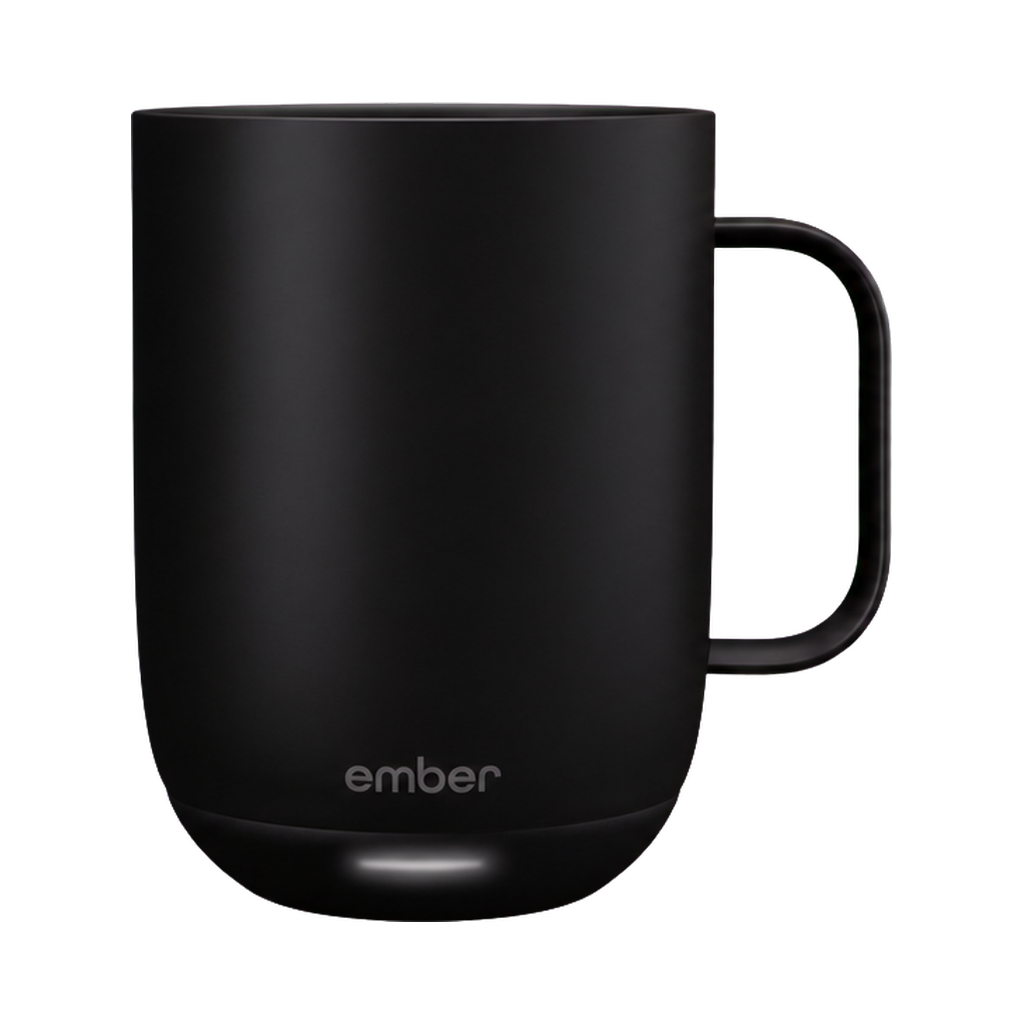
Same mug.
New tricks.
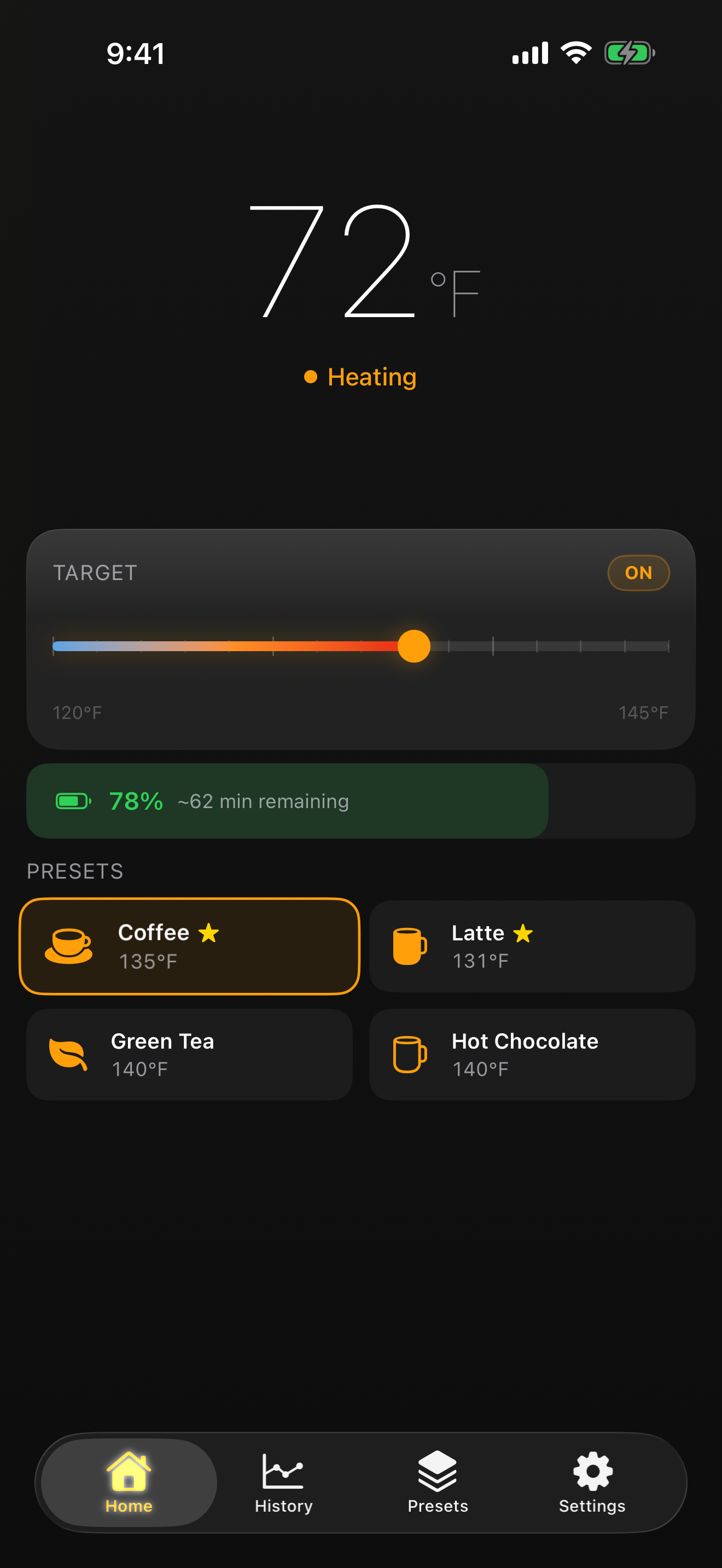
Set the temperature. See when it’s ready. Check battery life from iPhone and Apple Watch.
iPhone + Apple Watch · Public beta on TestFlight

Inside Thermia
Current temperature, target, heating state, and battery estimate stay together on one screen.
Preparing interactive phone
Apple Watch
Ready at a glance.
Temperature, time to target, battery, and presets stay one turn of the Digital Crown away.
Preparing interactive Watch
Coming soon
One mug.More screens.
Thermia starts on iPhone and Apple Watch. More Apple platforms are on the way.
macOS
Coming sooniPadOS
Coming soonvisionOS
Coming soonMore control for the mug you already own.
Try Thermia on iPhone and Apple Watch through the public beta.
Join the TestFlight